
Your music server, played like a record collection.
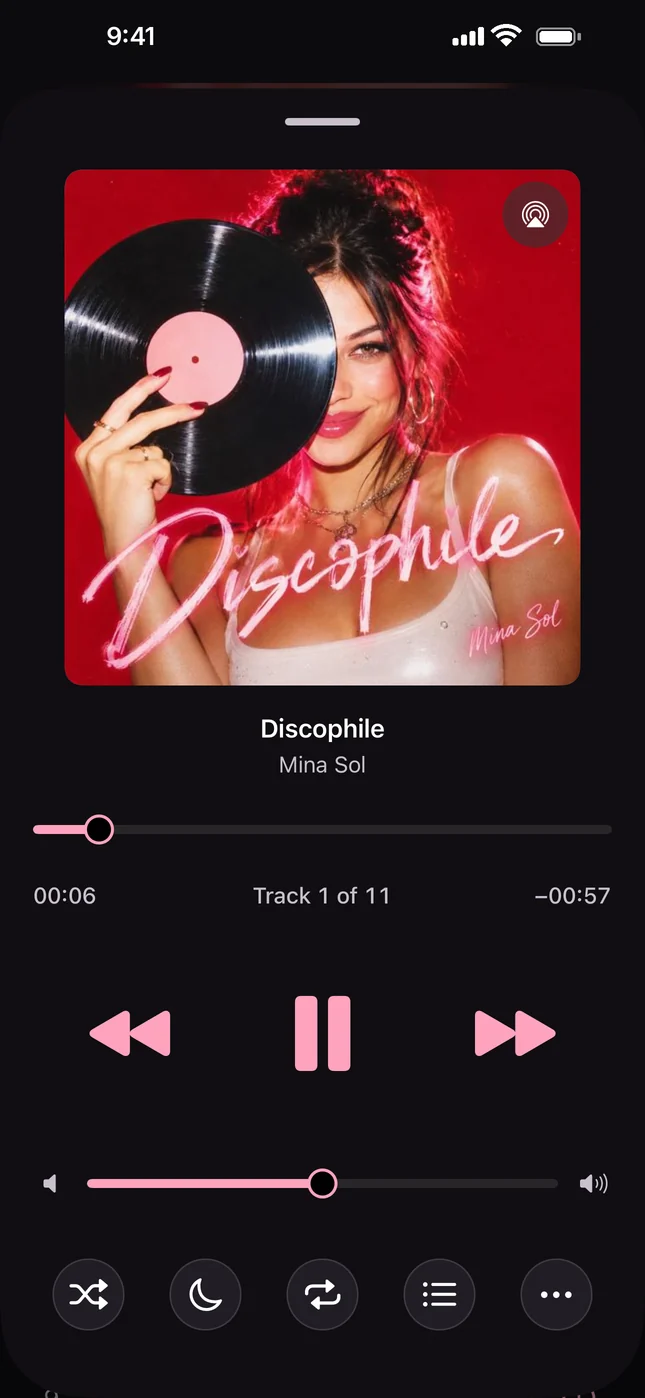
Discophile is a native iPhone player for Navidrome, Subsonic and Jellyfin libraries. Audiobookshelf audiobooks and internet radio live in the same app. No Discophile account, no tracking.
Coming soon to the App Store. For iPhone with iOS 17 or later, in English and Italian.
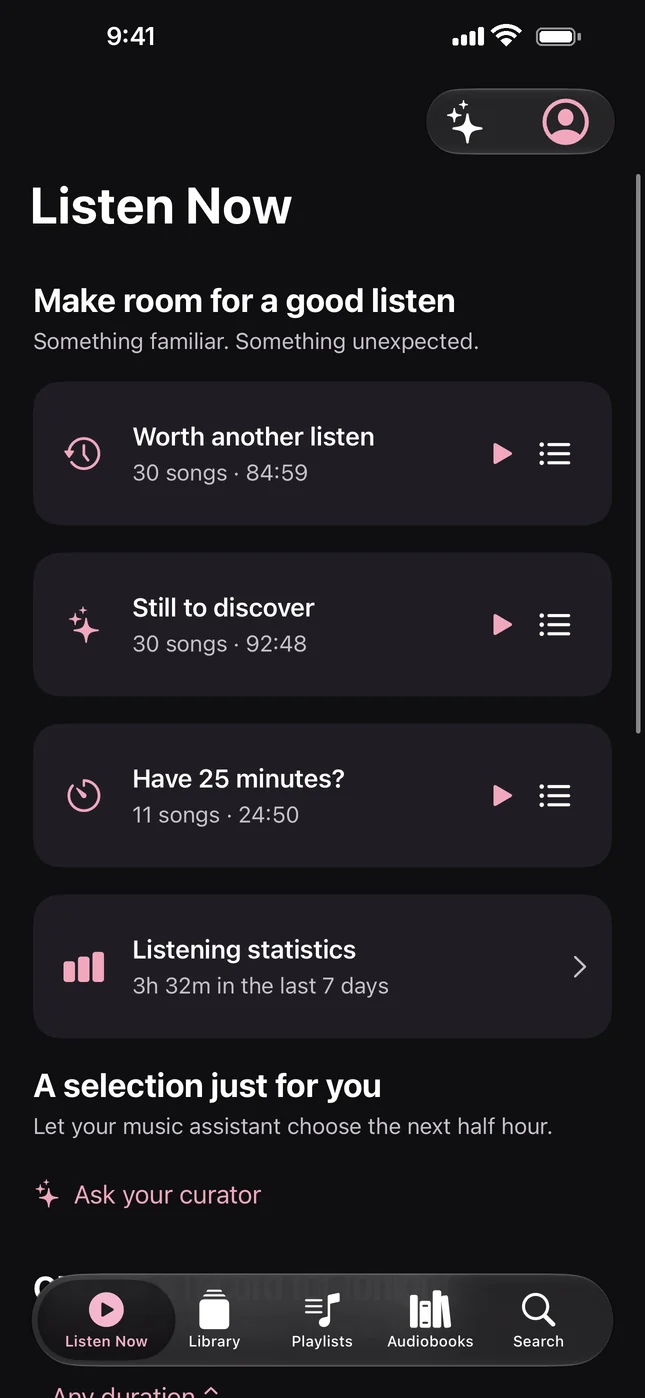
Something familiar. Something unexpected.
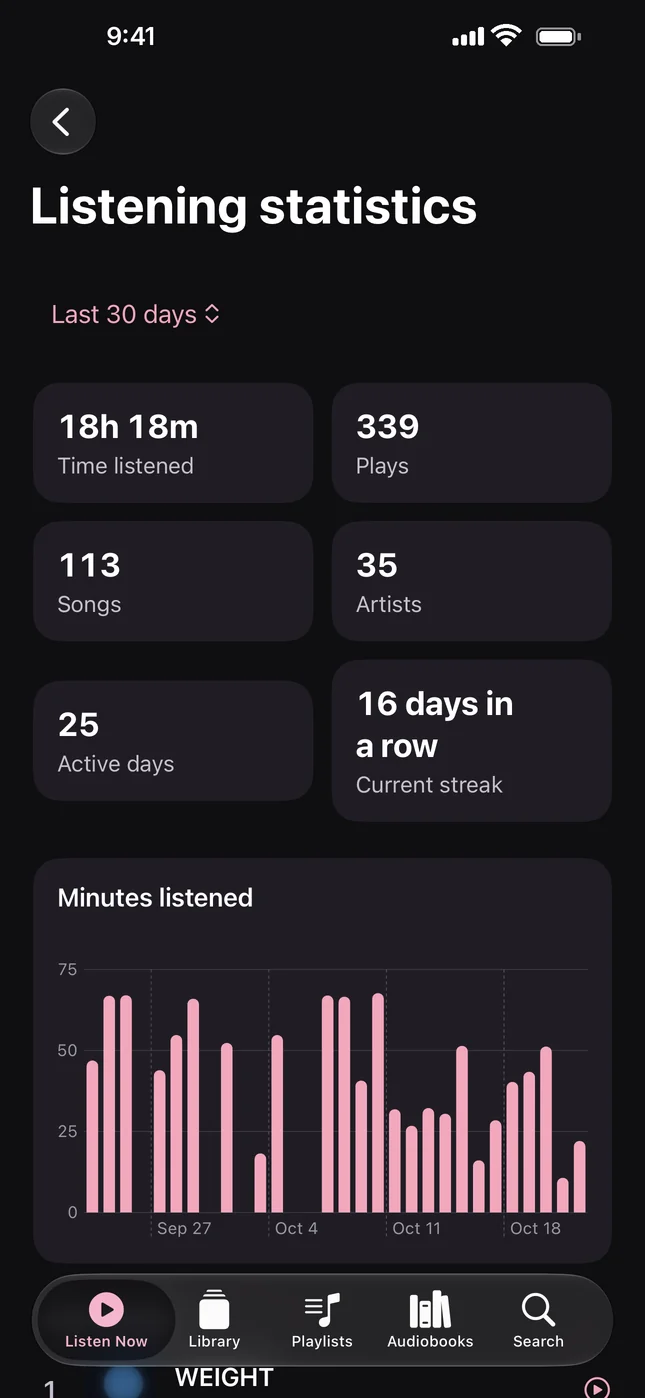
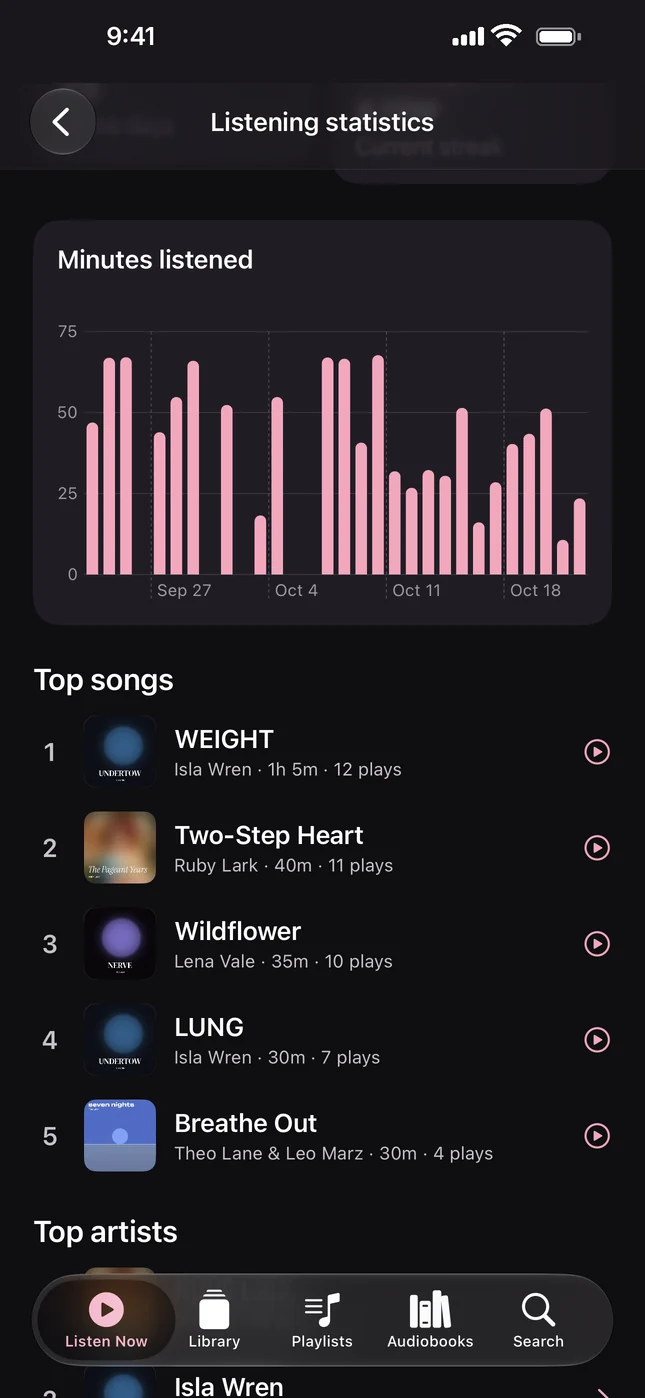
Listen Now opens with mixes built from your own history on this iPhone. Worth another listen brings back songs you haven't played in a month, Still to discover finds the ones you never played, and Have 25 minutes? fits a short break.
Choose a record for tonight suggests three whole albums for 25, 45 or 60 minutes, then plays the one you pick from first track to last.
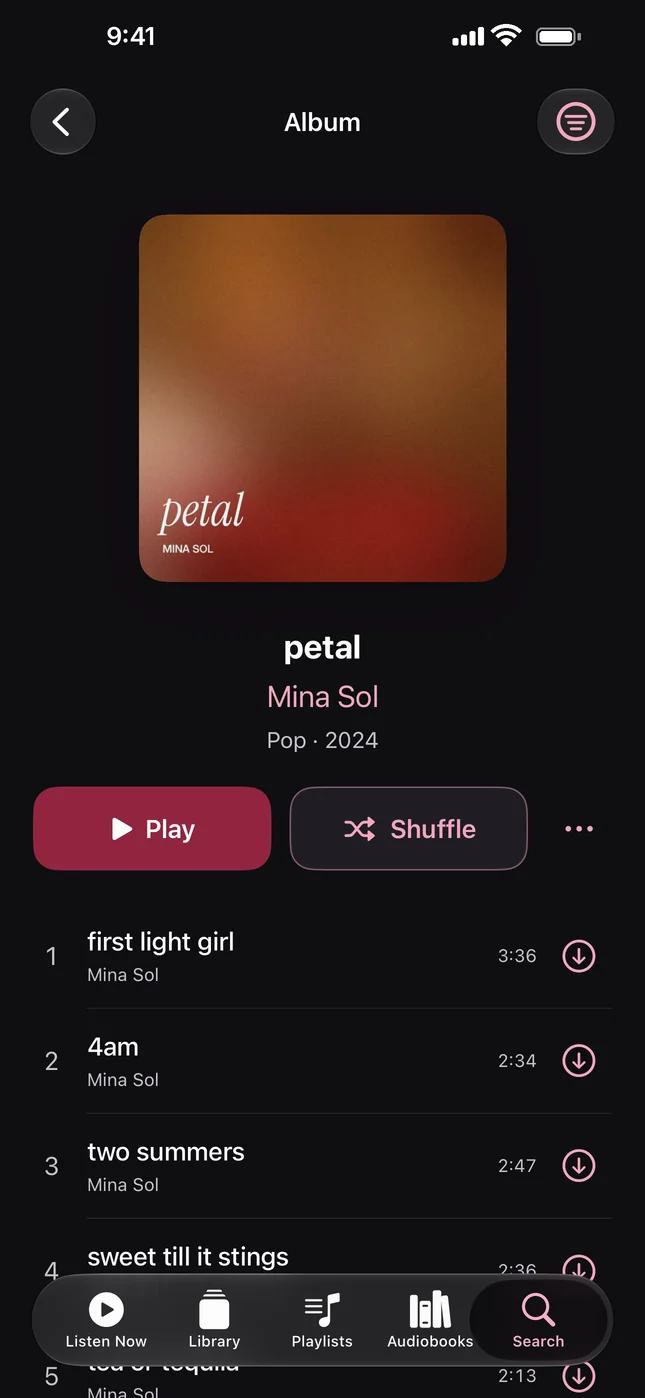
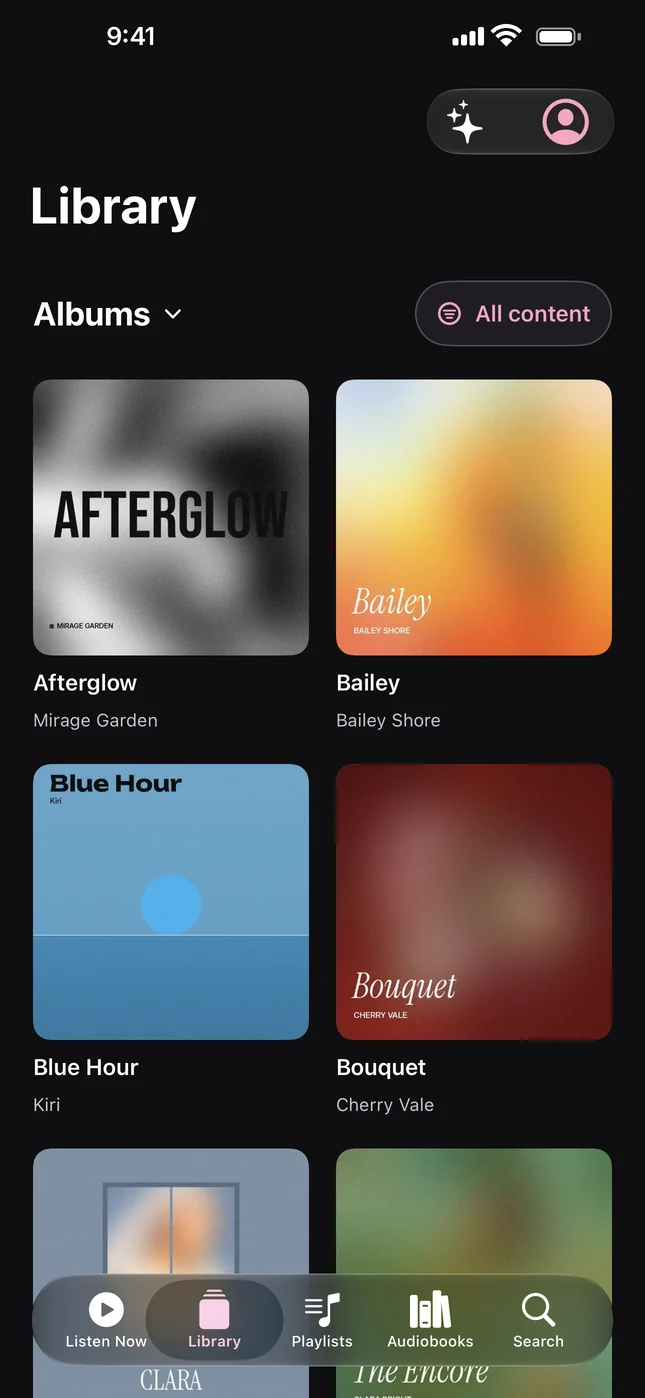
The whole shelf, a thumb away.
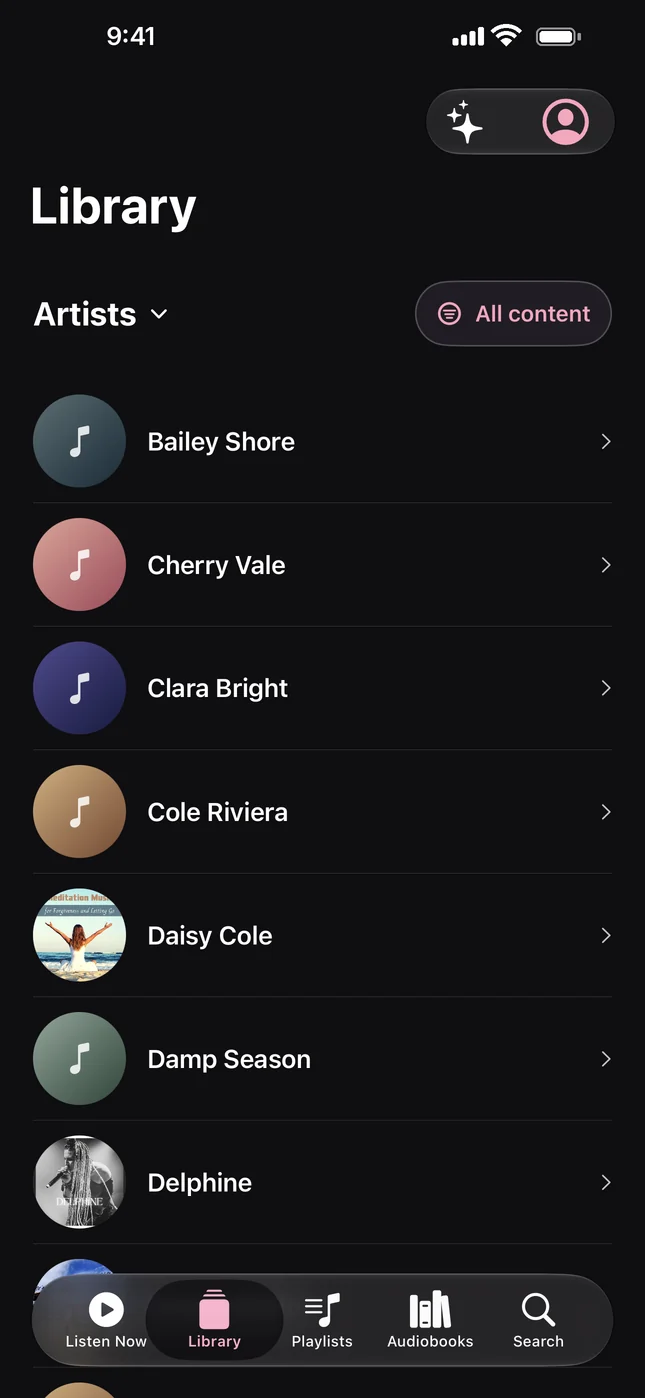
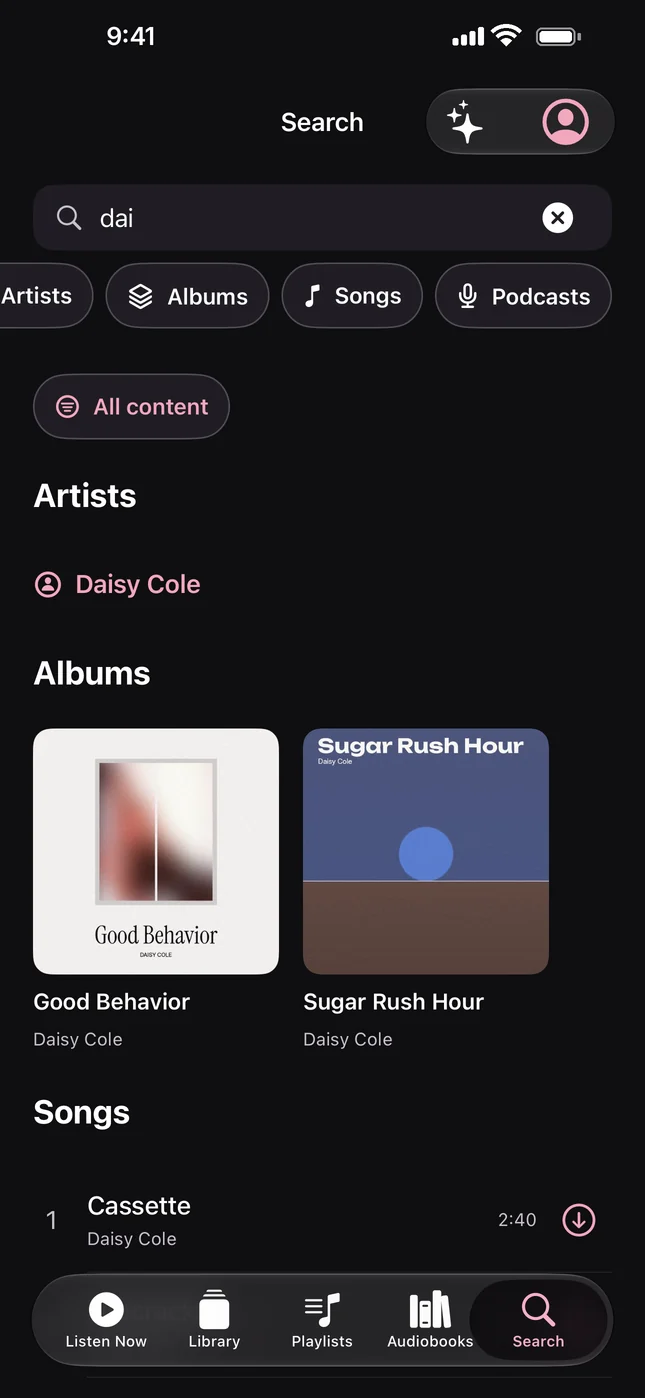
Browse albums, artists, songs and playlists, search everything from one field, and download anything for the flight. Switch on Downloaded only and every view shows just what is saved on the phone.
Ask for a playlist. Get songs you own.
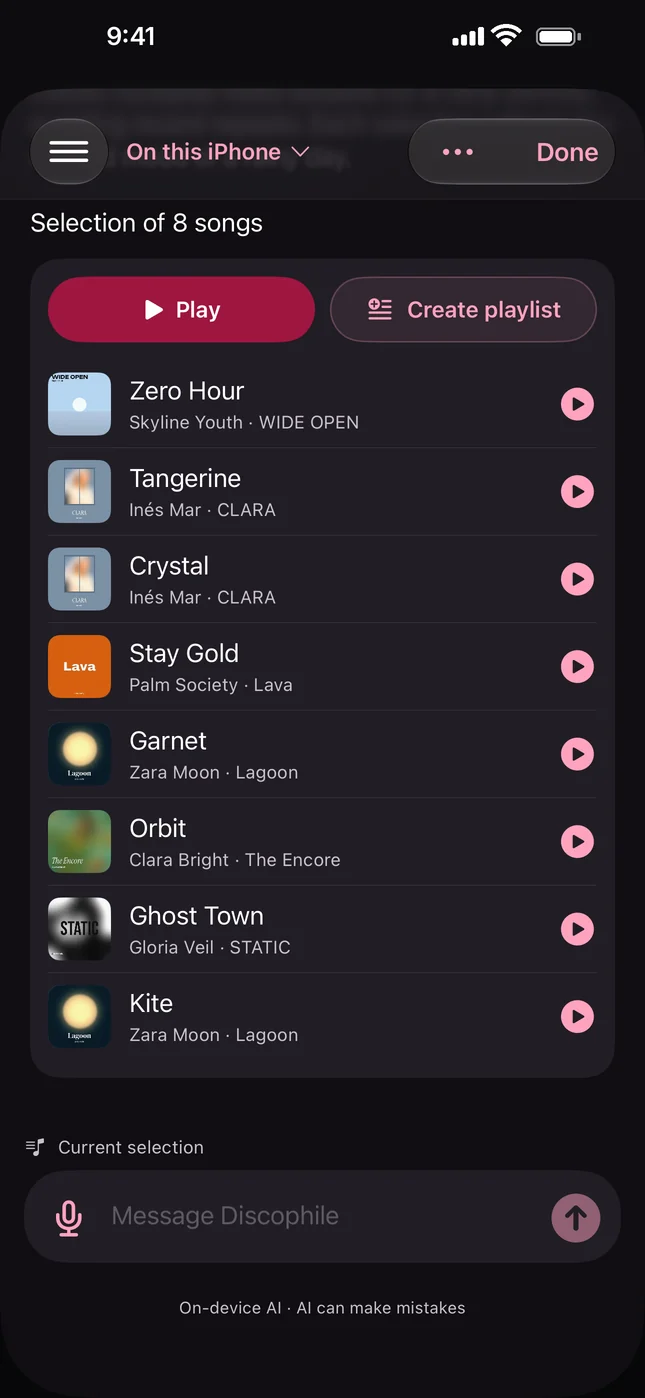
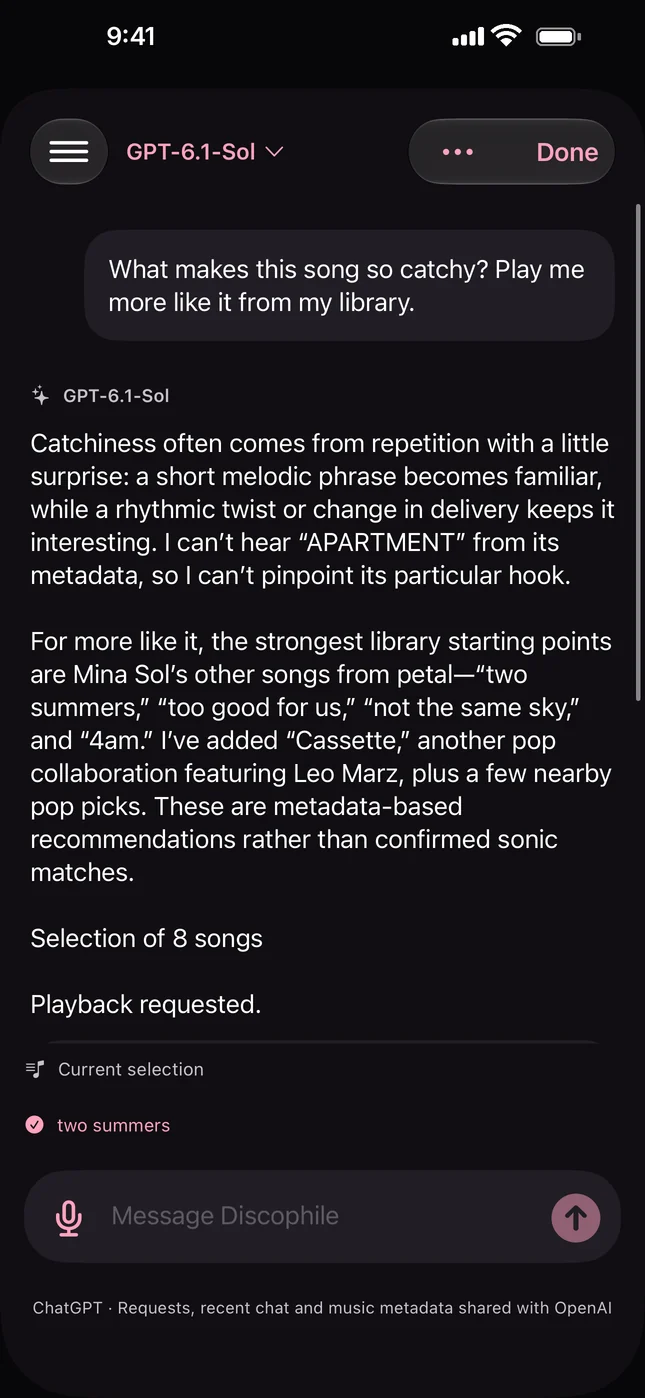
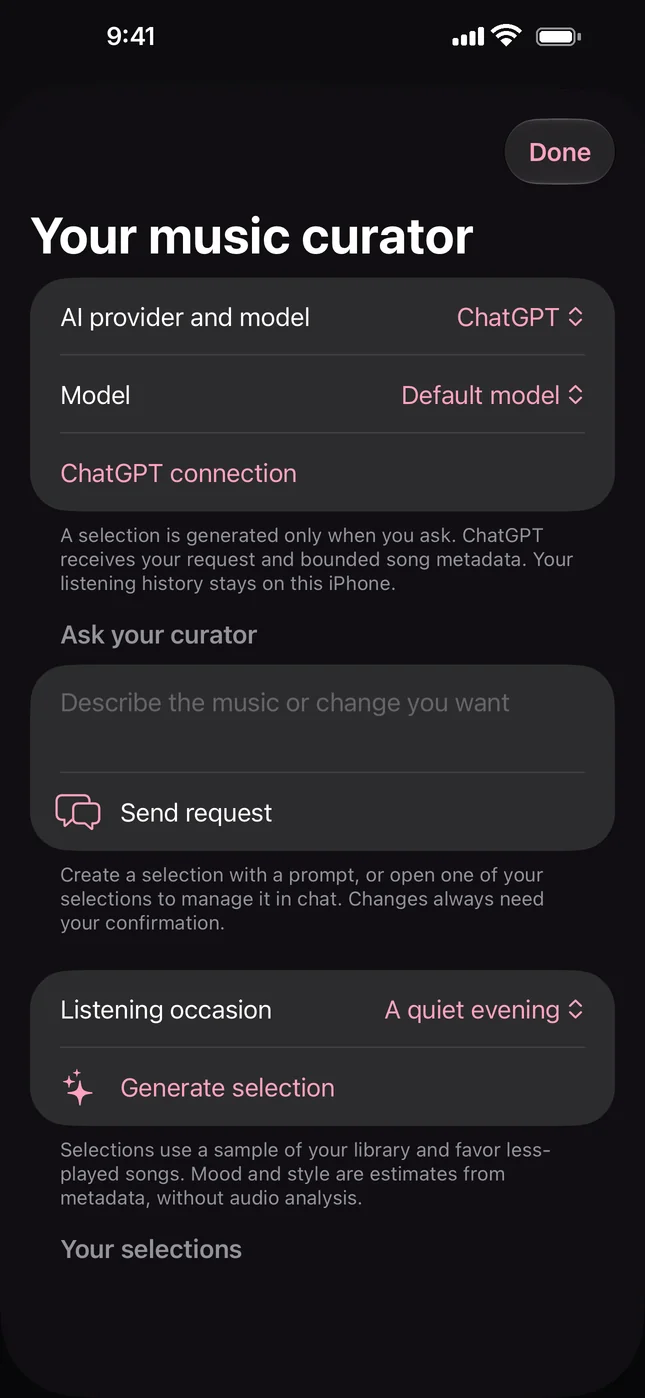
The music assistant turns a sentence into a selection from your library, so every song it suggests is one you can play right now. Use Apple Intelligence on the iPhone, with nothing leaving the device, or connect your ChatGPT account for bigger requests.
Edits such as removing tracks or renaming a playlist open a review first. Nothing changes on your server until you tap Confirm changes.
- On this iPhone runs Apple's local model on iOS 26 with Apple Intelligence.
- ChatGPT receives your request and song metadata, never audio, passwords or listening history.
- Ask your curator builds half an hour for a quiet evening or for focus.
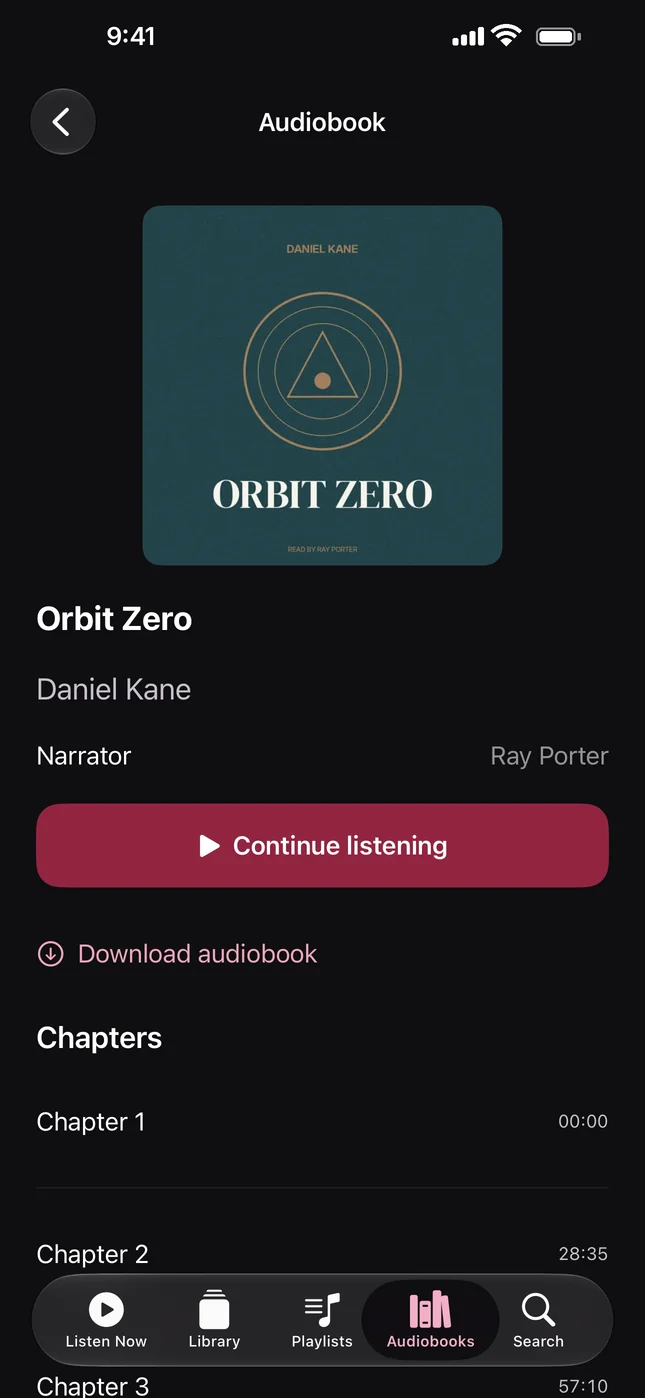
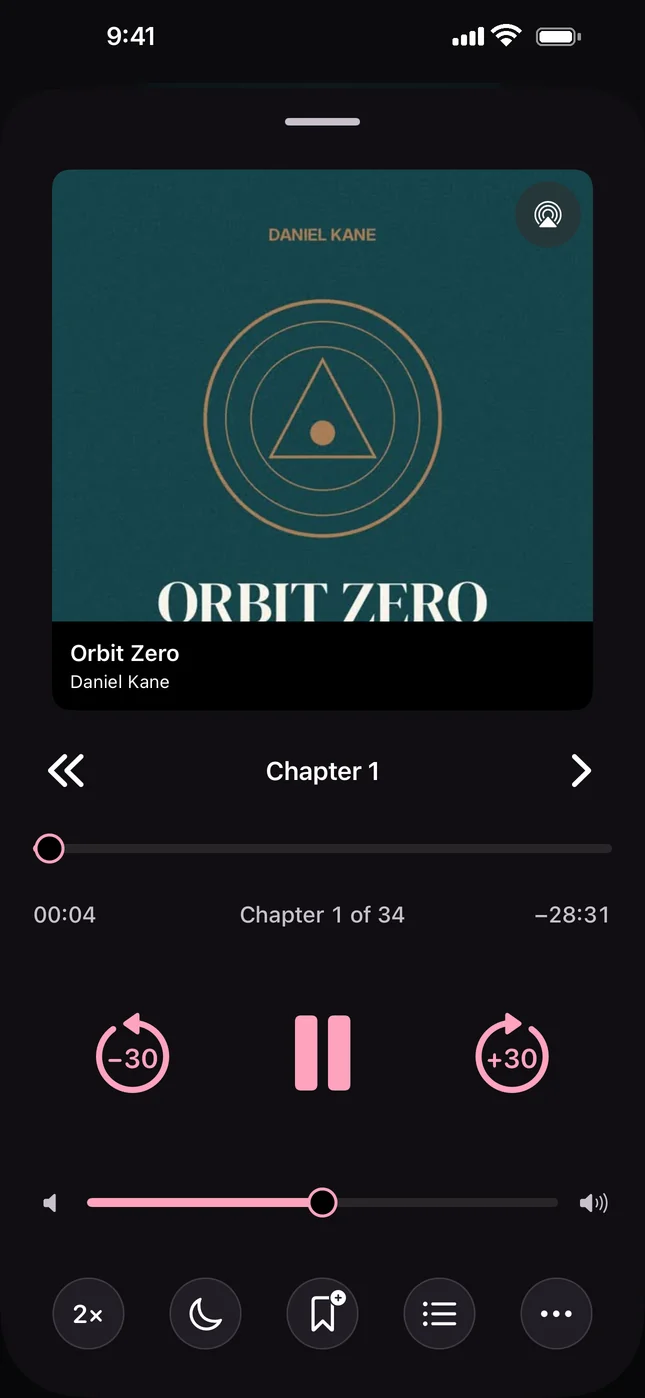
Audiobooks pick up where you stopped.
Connect Audiobookshelf next to your music, or on its own. Positions sync with the server every few seconds and keep working offline, so you can switch between the phone and the web without hunting for your place.
- Speed from 0.5x to 4x, chapter timelines and exact seeking.
- Sleep timer, including at the end of the chapter.
- Bookmarks, and whole books downloaded for offline listening.
And the parts you notice later.
- Gapless and crossfade
- Albums play without pauses. Crossfade from 1 to 12 seconds, kept gapless inside an album.
- Equalizer
- Ten bands, or a headphone correction from AutoEq. ReplayGain and a volume limit too.
- Lyrics
- Synced lyrics follow the song and jump to a verse when you tap it.
- Podcasts and radio
- Subscribe with an Apple Podcasts or Spotify link, and save internet radio stations.
- Sport mode
- Presets for running, walking, cycling and the gym, started from Shortcuts.
- Siri and Lock Screen
- Ask Siri for an album, and control playback from the Lock Screen, headphones or AirPlay.
There is no Discophile server. Your passwords stay in the iOS Keychain, your listening history stays on your iPhone, and the app has no analytics.

Try it now on TestFlight.
Discophile is getting ready for its first App Store release, for iPhone with iOS 17 or later, in English and Italian. Until then, request an invitation to the beta. Bring your own server: it works with the music and audiobooks you already host.
- Navidrome
- Subsonic and OpenSubsonic
- Jellyfin
- Audiobookshelf
- Internet radio
Have a question or an idea? Write to andrea@debbaweb.it.
Help Discophile grow.
If Discophile is useful to you, you can support me on GitHub Sponsors. Even a small contribution helps me spend more time on fixes, accessibility and new features.